
Access, filter and understand your booking data
Get the information you need to manage your events, track performance and support day-to-day operations.

Work with your data in a practical way
ClearBookings provides flexible reporting tools designed around real-world event management. From standard reports to fully customised data views, you can access the information you need without unnecessary complexity.
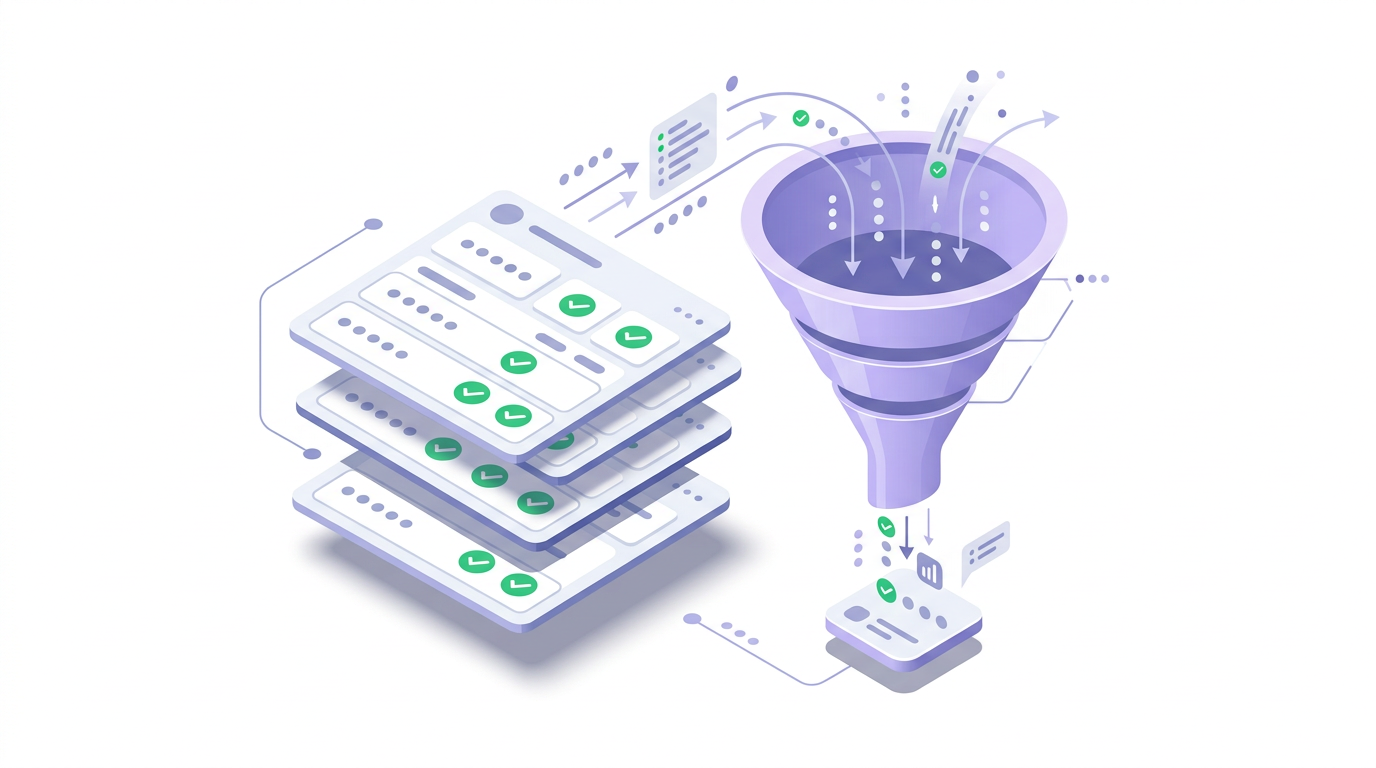
Reports that support real operations
Standard reports, filters, exports, and dashboards — all designed to be practical to use.
Access a wide range of standard reports
This includes:
- booking summaries by event, date or ticket type
- revenue and payment reports
- attendee lists and exports
- check-in status and history
- discount and promo code usage
- customer and contact data


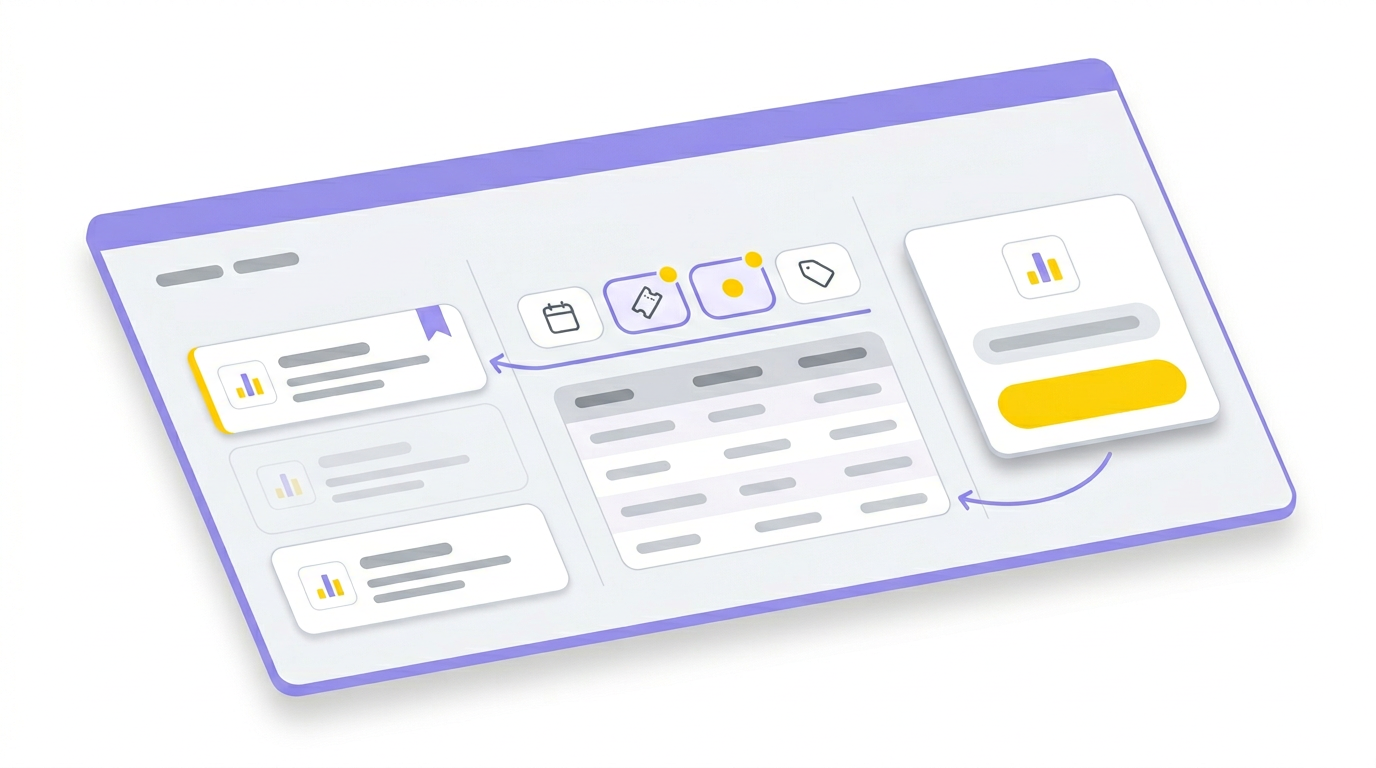
Filter and extract booking data
Use the View Bookings tools to filter and retrieve exactly the data you need.
You can filter by:
- event, session or ticket type
- visit and booking dates
- booking status and value
- discount schemes or promo codes
This allows you to quickly locate and export relevant booking data.
Select the data that matters
Choose which fields to include so exports and reports match how your team works.
Customer details
Access contact information and customer-level data for analysis.
Attendee information
Work with attendee fields, exports, and lists for communications and on-site ops.
Booking data
Filter by status, value, and purchase context to support reporting and support.
Event & ticket data
Report by event, session, and ticket type to understand performance and demand.
Support day-to-day operations
Reports are designed to be used in real scenarios, not just viewed on screen.
Start with standard reports
Start with standard reports
Use a comprehensive library of reports out of the box — from bookings and revenue to attendee exports, check-in history, and discount usage.
Create custom reports
Create custom reports
Build your own reports from filters and criteria, then save and reuse the views your team relies on most.
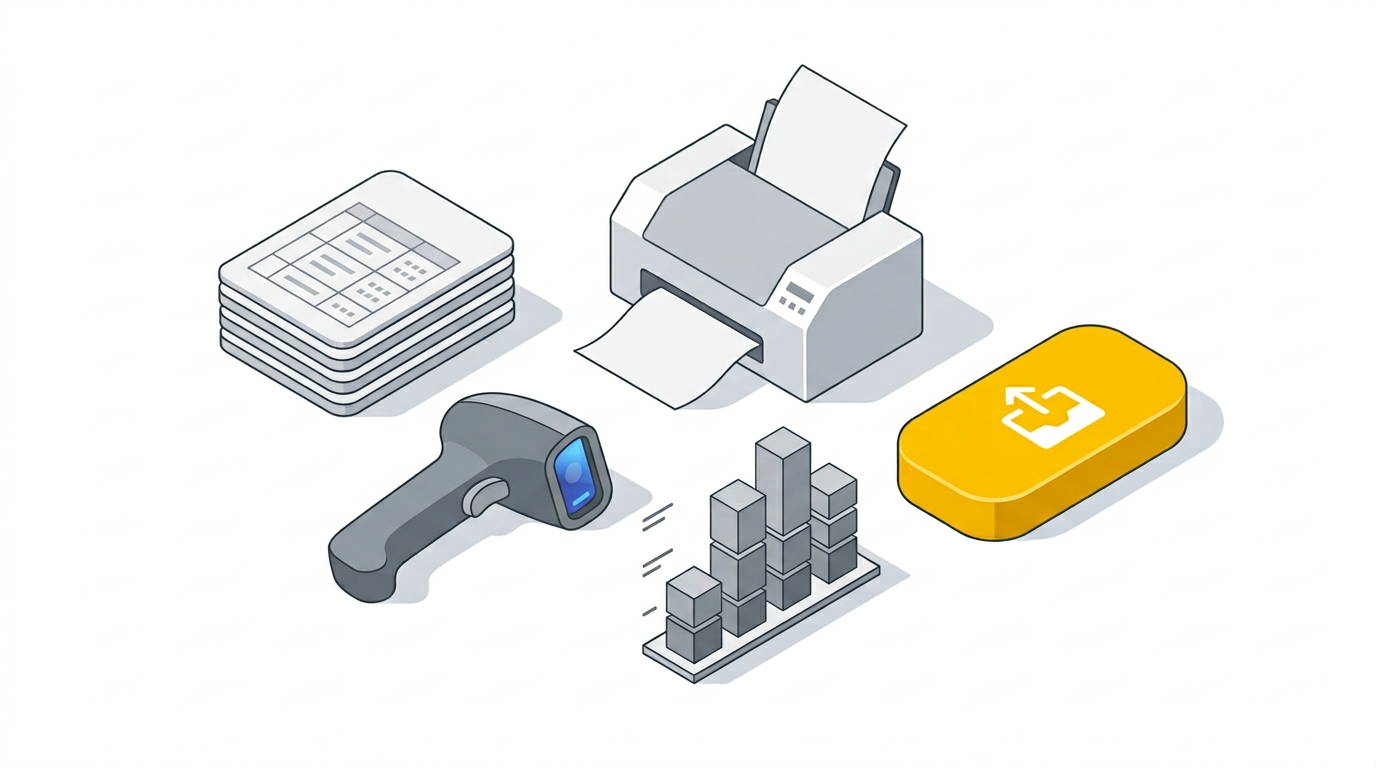
Use exports in real operations
Use exports in real operations
Reports are designed to support day-to-day work — finance exports, attendee lists, check-in workflows, and internal reporting.
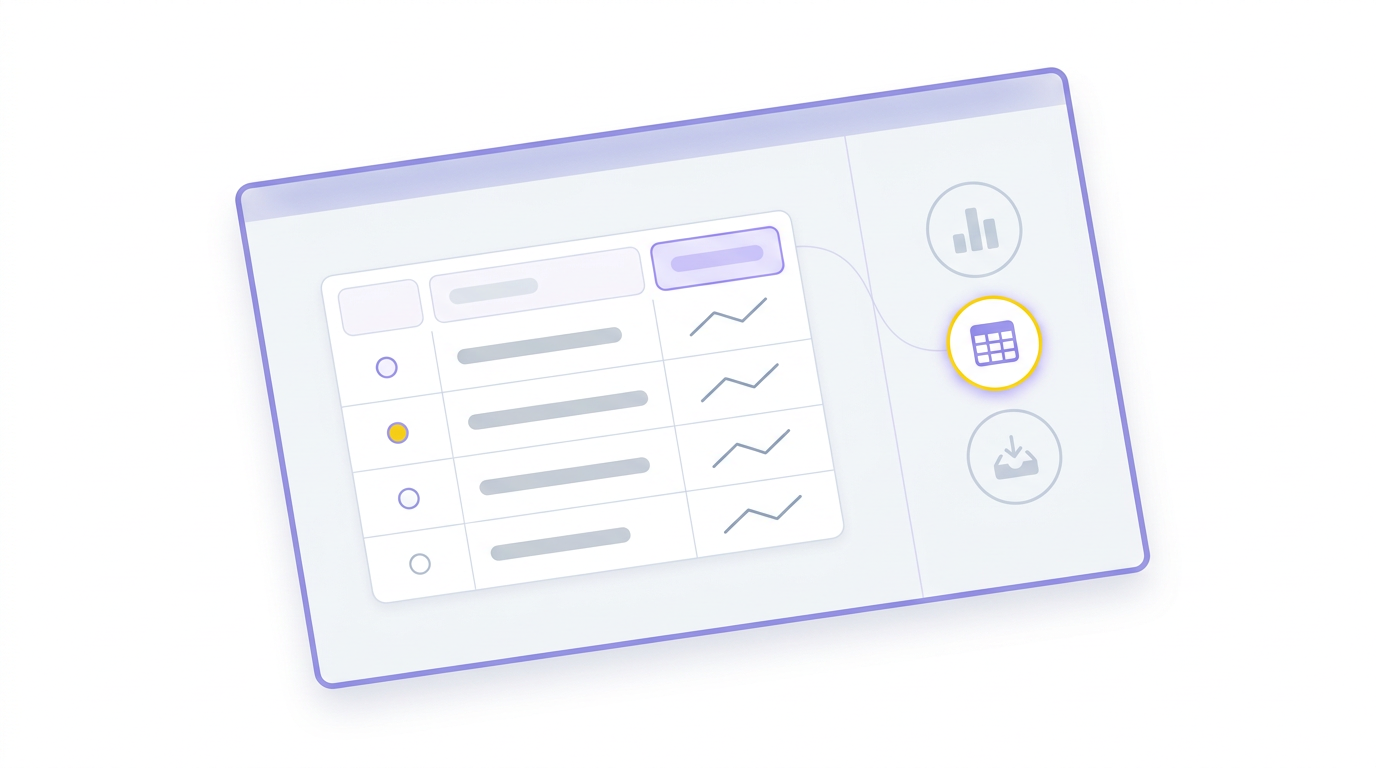
Flexible reporting without complexity
ClearBookings gives you access to your data in a structured and flexible way, without requiring specialist tools or technical knowledge.
Common use cases
Event management teams
Track bookings, attendees and check-in status for upcoming events.
Finance and reconciliation
Export revenue and booking data, with clear visibility of transactions and payouts.
Operational planning
Prepare attendee lists, schedules and on-site requirements.
Marketing and analysis
Review booking trends and customer activity.
Talk to us about Reporting & Analytics
We can walk through reports, exports, dashboards, and how your team can get the data they need day to day.