
Ticketing and attendee management built for live events
Create, manage, and sell events with flexible ticketing, pricing, and attendee management, from setup through to checkout and reporting.

Trusted by
Event organisers, venues, and promoters who need dependable event setup, ticketing, and attendee management.






Everything organisers need to sell tickets and know their audience
ClearBookings for Events helps organisers create, manage, and sell events in one workflow, from setting up ticket types and pricing through to tracking attendees and revenue. Built on a flexible booking engine, it supports both simple ticketed events and more structured event setups.
Need more advanced control? Explore bookings and scheduling →
Core event capabilities
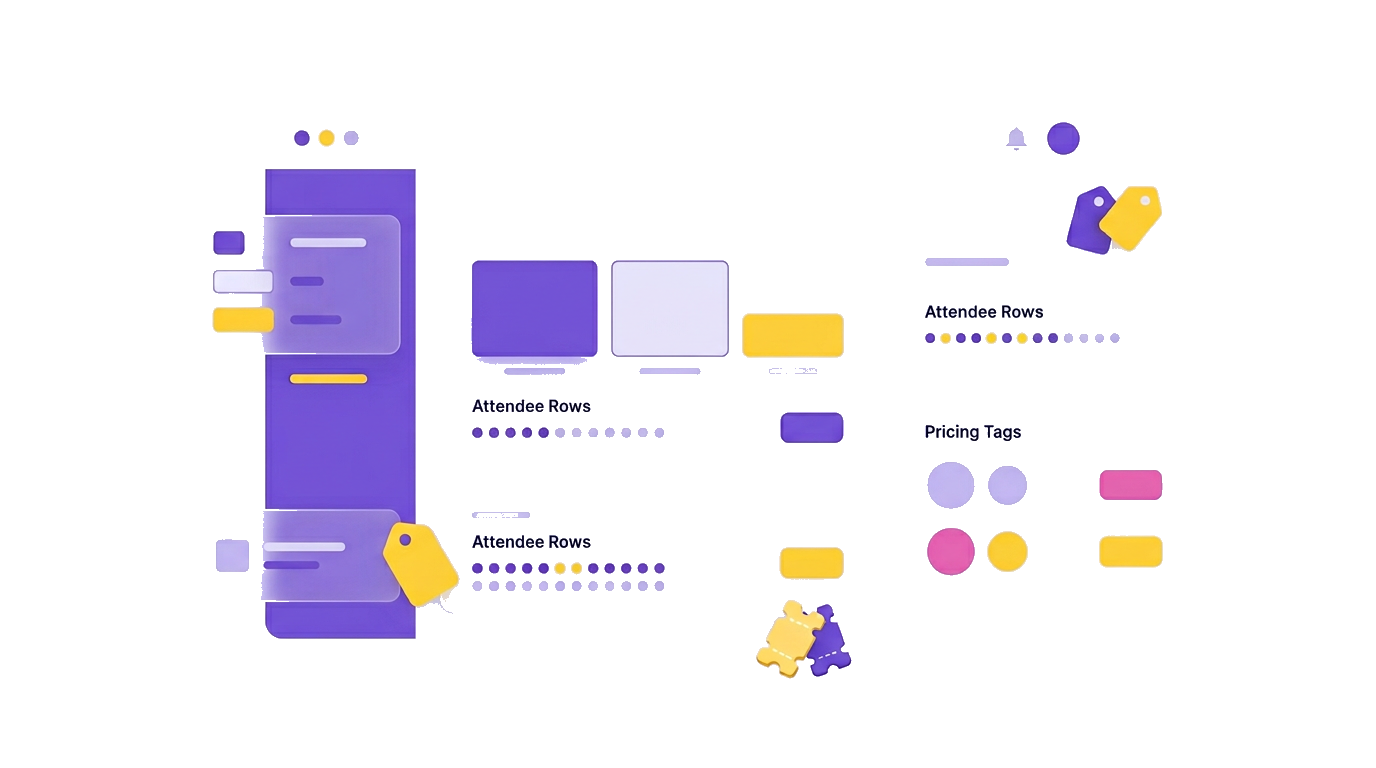
Ticketing, pricing, attendee data, and revenue tools, structured for real-world events and built to scale.
Ticket types & capacity
Create the ticket types your event needs, general admission, VIP, early bird, and more, each with its own price, capacity, and availability rules.
Flexible pricing
Set prices per ticket type or align pricing across the event, with the flexibility to adjust as campaigns change while maintaining a clear buyer experience.
Attendees & custom data
Track who is attending, collect the details you need from each guest, and export attendee data for access, communication, or reporting.
Discounts & add-ons
Run structured discounts and promo codes, and offer add-ons such as merchandise, donations, or partner offers within the same purchase flow.
At a glance
The essentials event teams rely on to set up, sell, and manage events week after week.
Ticket types
General, VIP, bundles, and time-limited releases from one event.
Pricing control
Per-ticket or event-level pricing with flexibility to adapt as your event evolves.
Attendee tracking
Real-time attendee lists, statuses, and exports aligned with sales and check-in.
Add-ons & discounts
Upsells, promo codes, and structured offers managed within the same purchase flow.
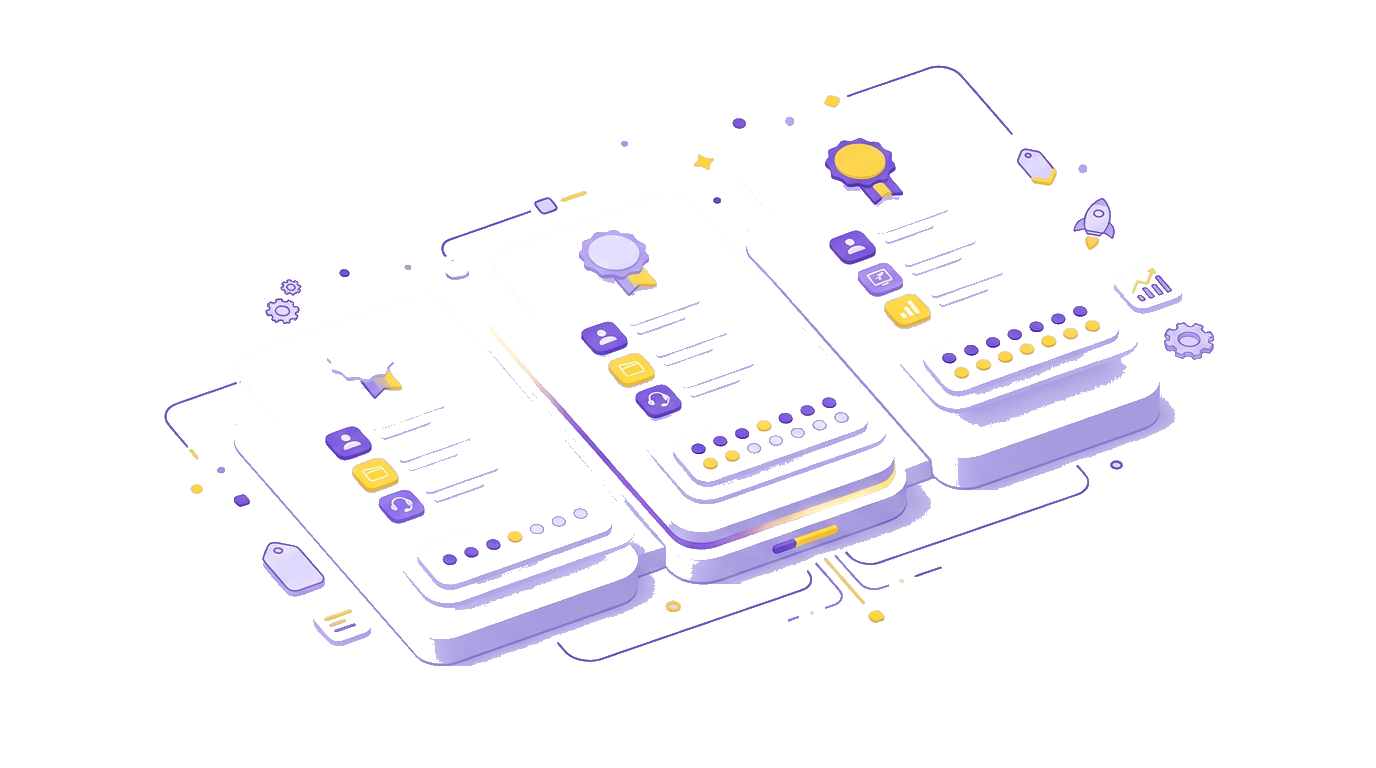
Launch an event in four steps
From initial setup to live sales and post-event reporting, ClearBookings supports the full event lifecycle in one place.

Create your event
Create your event
Name your event, set dates and venue context, and define how your event will be presented to attendees.
Define tickets & pricing
Define tickets & pricing
Create ticket types, set pricing, define capacities, and capture any attendee information you need from buyers.
Add discounts & add-ons
Add discounts & add-ons
Configure discounts, promo codes, and add-ons so attendees can upgrade or customise their purchase.
Publish, sell & track
Publish, sell & track
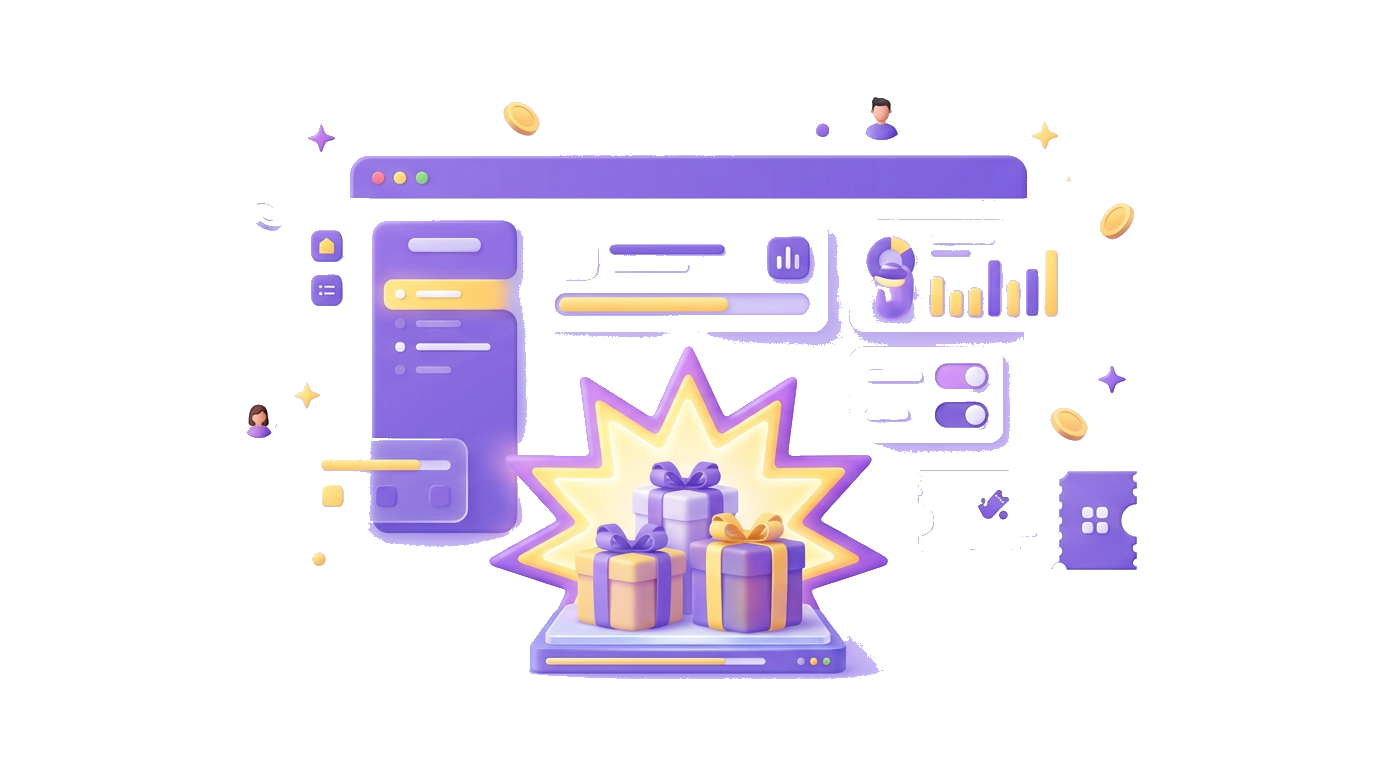
Publish your event, track sales and attendee data in real time, and export what your team needs for operations or reporting.

From ticket setup to checkout
Keep pricing, attendee data, and add-ons aligned from ticket setup through to checkout.
Customised attendee details
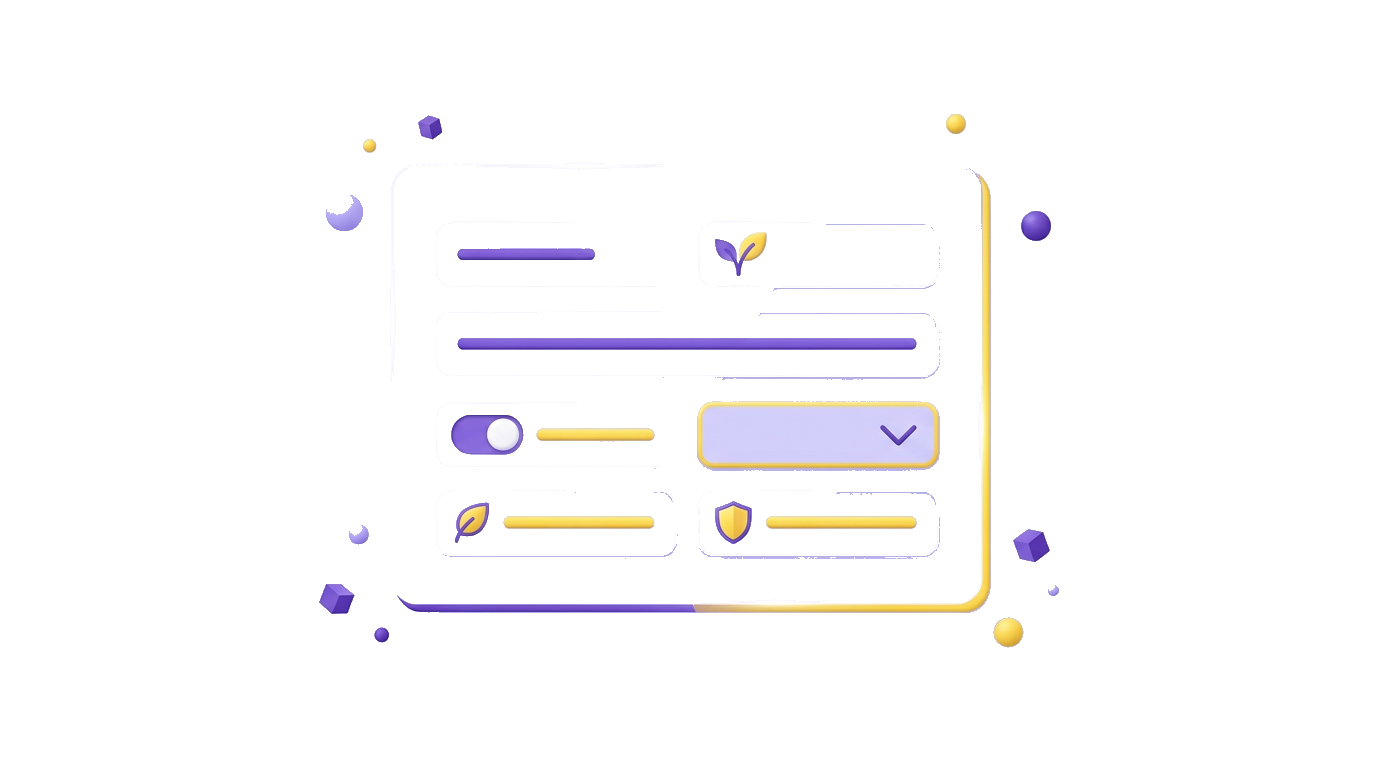
Collect the details that matter for your event, from required information to optional fields, so attendee data is accurate for communication, access, and reporting.

Discounts and add-ons in one purchase
Run structured discounts and promo codes, then present add-ons within the same purchase flow so attendees can upgrade or contribute without friction.
Explore more features
Checkout & payments
- Secure payment flows aligned with your event branding and buyer experience
- Support for common payment scenarios out of the box
- Clear receipts and purchase confirmation for attendees
Lists & exports
- Attendee lists that reflect the latest ticket status
- Exports for partners, finance, and on-site teams, without manual preparation
- Fewer manual merges before event day
Grow with add-ons
- Merchandise, donations, or partner offers as add-ons
- Upsell within the same purchase flow, without sending buyers to a separate checkout
- Visibility into add-on performance alongside tickets
What organisers say
Teams use ClearBookings to run cleaner ticket sales and calmer event days.
FAQ
Create your event for free
Create an account instantly to get started or contact us if you have any questions left.